Power BI PBIP Git version control


How to commit a Power BI report to Git
The files from this blog post can be accessed here: https://github.com/mortie23/pbip-nfl/pull/1/changes
What is the problem
In the past, a PBIX file was all we had for saving a PowerBI report. Under the hood, it is a series of text files archived into a single file, but tracking these was cumbersome (see Power BI PBIX Git version control).
It has been a while since I was seriously working on solutions with Power BI and it seems a lot has changed.
Power BI June 2023 Feature Summary
In June 2023 Microsoft announced the PBIP format:
Microsoft Power BI Updates Blog November 2025
In November 2025, this type of format became the default for the PowerBI Service.
No longer do developers who want to track changes to their Power BI reports need to have complex Git hooks and scripts to expand and archive back the files to and from PBIX. We now have PBIR and PBIP formats.
How have I found using it?
It is a super welcome change. Exactly what we have been needing in the Power BI development community.
Example
First let’s get some data. I have a GCP Compute Engine VM in which I installed a Postgres.
This is just because it is easier for me to source data this way than any other way (including Excel files)
I’m using a Windows laptop, so to make the server address simple I’ll add an entry to the hosts file. Using vim from PowerShell in a terminal opened with Administrator rights.
vim C:\Windows\System32\drivers\etc\hosts# Copyright (c) 1993-2009 Microsoft Corp.
#
# This is a sample HOSTS file used by Microsoft TCP/IP for Windows.
#
# ...
# Postgres on GCP
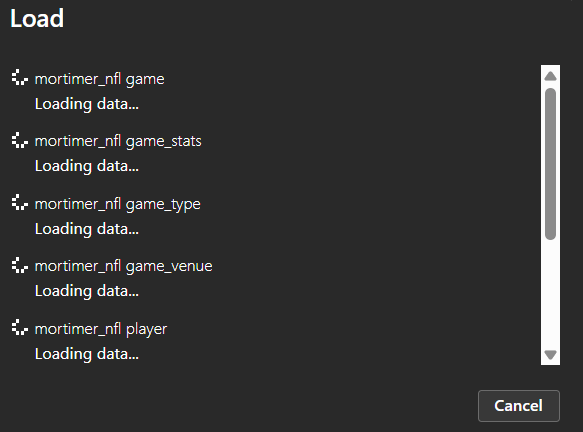
<ip-address> thefogNow, in PowerBI let’s connect to this Postgres database an import our tables.
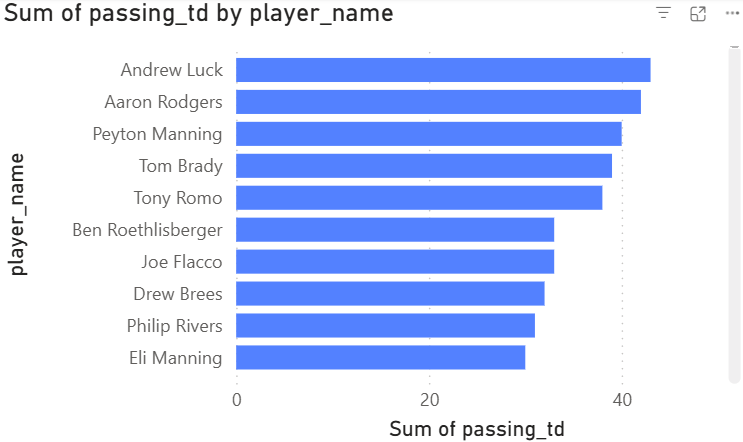
I’m going to create a really simple report just to demonstrate the PBIP. A single bar chart with total touchdowns by player.
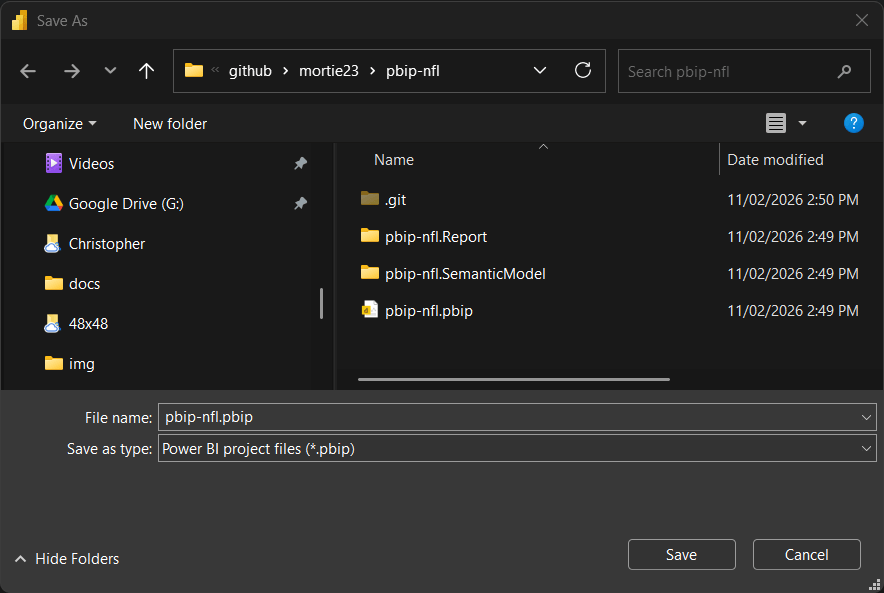
Save as PBIP
git add .
git status
Look at all the files that were created. Tremendous. Lots of things to explore and edit.
On branch master

No commits yet

Changes to be committed:
  (use "git rm --cached <file>..." to unstage)
        new file:   .gitignore
        new file:   pbip-nfl.Report/.platform
        new file:   pbip-nfl.Report/StaticResources/SharedResources/BaseThemes/CY25SU12.json
        new file:   pbip-nfl.Report/definition.pbir
        new file:   pbip-nfl.Report/definition/pages/92dc9803368342374bcd/page.json
        new file:   pbip-nfl.Report/definition/pages/92dc9803368342374bcd/visuals/287fab4078bc01b5a7ad/visual.json
        new file:   pbip-nfl.Report/definition/pages/pages.json
        new file:   pbip-nfl.Report/definition/report.json
        new file:   pbip-nfl.Report/definition/version.json
        new file:   pbip-nfl.SemanticModel/.pbi/editorSettings.json
        new file:   pbip-nfl.SemanticModel/.platform
        new file:   pbip-nfl.SemanticModel/definition.pbism
        new file:   pbip-nfl.SemanticModel/definition/cultures/en-AU.tmdl
        new file:   pbip-nfl.SemanticModel/definition/database.tmdl
        new file:   pbip-nfl.SemanticModel/definition/model.tmdl
        new file:   pbip-nfl.SemanticModel/definition/relationships.tmdl
        new file:   pbip-nfl.SemanticModel/definition/tables/DateTableTemplate_773ad8ec-7f97-41c8-b011-1889725e1c74.tmdl
        new file:   pbip-nfl.SemanticModel/definition/tables/LocalDateTable_369ec58b-5270-409d-b6c5-f495eab467bb.tmdl
        new file:   pbip-nfl.SemanticModel/definition/tables/LocalDateTable_52994651-a681-4c39-b4a3-e5451d63e1ba.tmdl
        new file:   pbip-nfl.SemanticModel/definition/tables/LocalDateTable_80eb41b8-b599-42df-8492-fa5f11fe19ff.tmdl
        new file:   pbip-nfl.SemanticModel/definition/tables/LocalDateTable_9e34a27d-0d33-4a72-87b6-8463bf2c84ca.tmdl
        new file:   pbip-nfl.SemanticModel/definition/tables/LocalDateTable_ac434e9a-c556-4da1-90c7-bfcccc08448a.tmdl
        new file:   pbip-nfl.SemanticModel/definition/tables/LocalDateTable_baf0fdc5-35be-4651-95e7-04e98cc5941a.tmdl
        new file:   pbip-nfl.SemanticModel/definition/tables/LocalDateTable_c0e78857-80b9-451f-ab97-b4c962f02c0c.tmdl
        new file:   pbip-nfl.SemanticModel/definition/tables/LocalDateTable_e8be3960-bc06-4306-bc8d-e471476af1cd.tmdl
        new file:   pbip-nfl.SemanticModel/definition/tables/mortimer_nfl game.tmdl
        new file:   pbip-nfl.SemanticModel/definition/tables/mortimer_nfl game_stats.tmdl
        new file:   pbip-nfl.SemanticModel/definition/tables/mortimer_nfl game_type.tmdl
        new file:   pbip-nfl.SemanticModel/definition/tables/mortimer_nfl game_venue.tmdl
        new file:   pbip-nfl.SemanticModel/definition/tables/mortimer_nfl player.tmdl
        new file:   pbip-nfl.SemanticModel/definition/tables/mortimer_nfl team_lookup.tmdl
        new file:   pbip-nfl.SemanticModel/definition/tables/mortimer_nfl venue.tmdl
        new file:   pbip-nfl.SemanticModel/definition/tables/mortimer_nfl weather.tmdl
        new file:   pbip-nfl.pbip
Now let’s make a change to the basic report we have created.
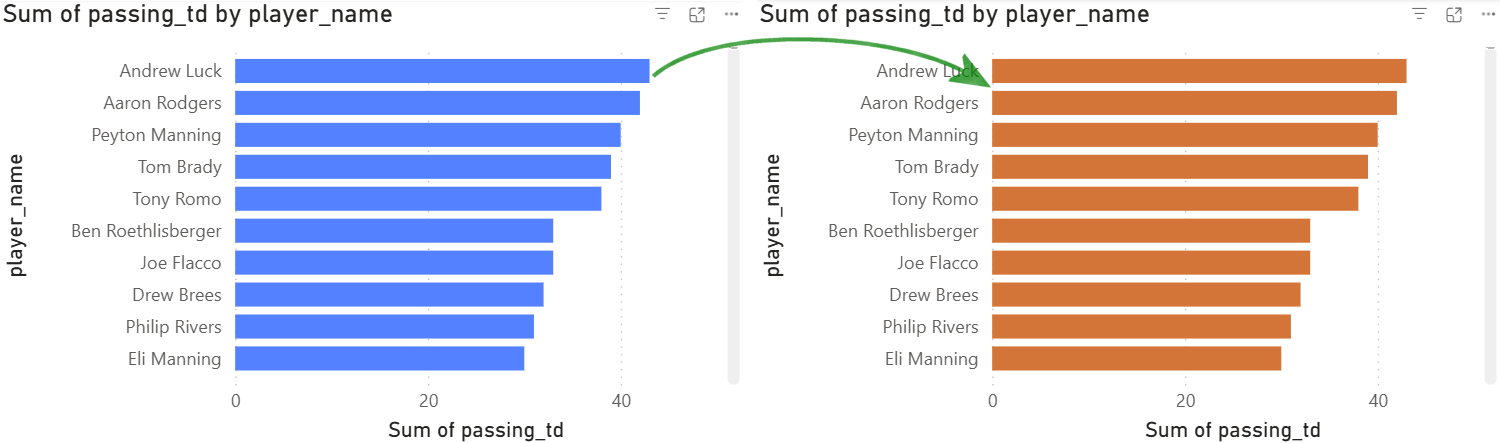
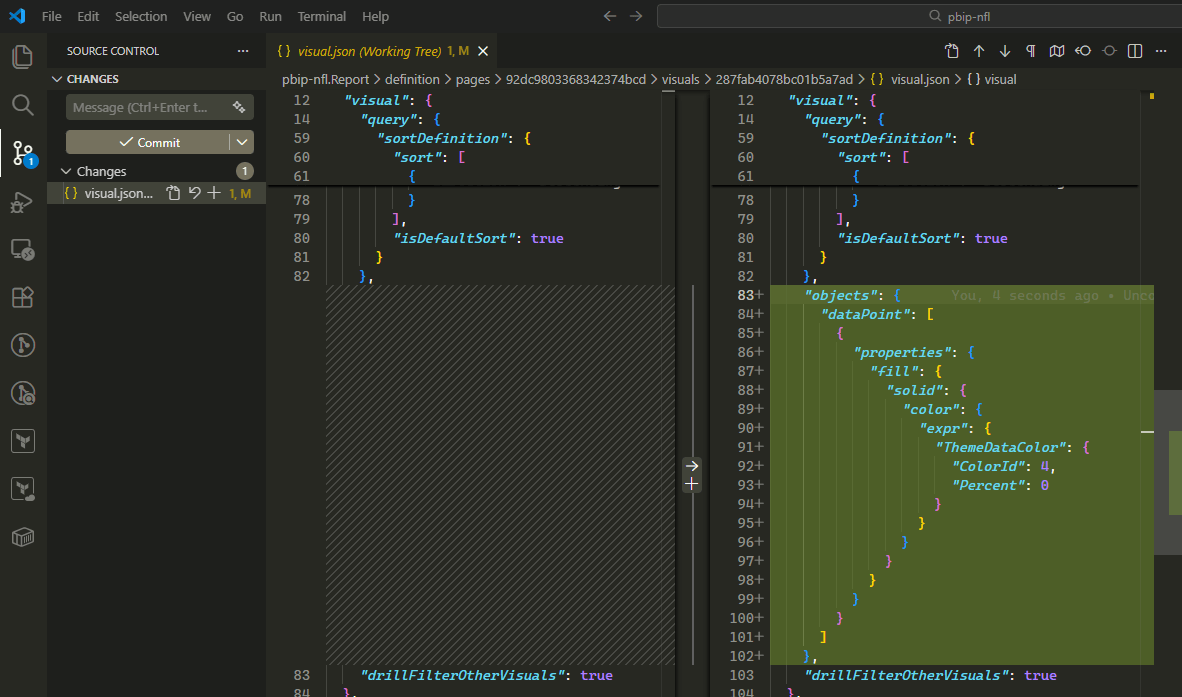
We can clearly see the diff is only to the visual.json file and is an addition of an objects properties adding a color from a theme.
Some tips
VScode
For working on the files you will want to use VSCode and install the TMDL extension. When I am developing a PowerBI report I have both PowerBI Desktop and VSCode open so I can monitor how changes made in the desktop change the PBIP files.
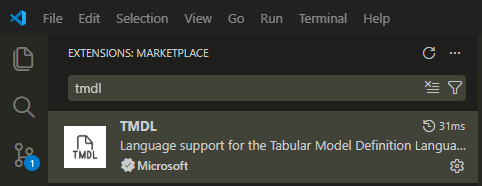
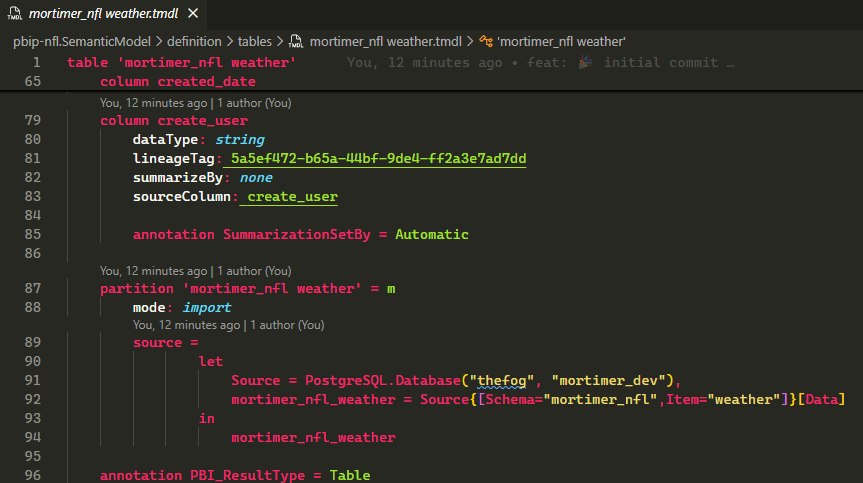
Now you get some tremendous syntax highlighting in the TMDL for each of your tables in your data model.
In this example we can see the weather table’s TMDL, including the Postgres source it is coming from.
For bulk changes, or changes that are easier with a Find/Replace or in a code editor, we can edit the TMDL as opposed to something that might take a lot of clicks in PowerBI Desktop.